Time sheet template
Cloud Solutions Designed for the Future of African SMEs — empowering small and medium-sized enterprises with scalable, secure, and cost-effective digital infrastructure
Time sheet template
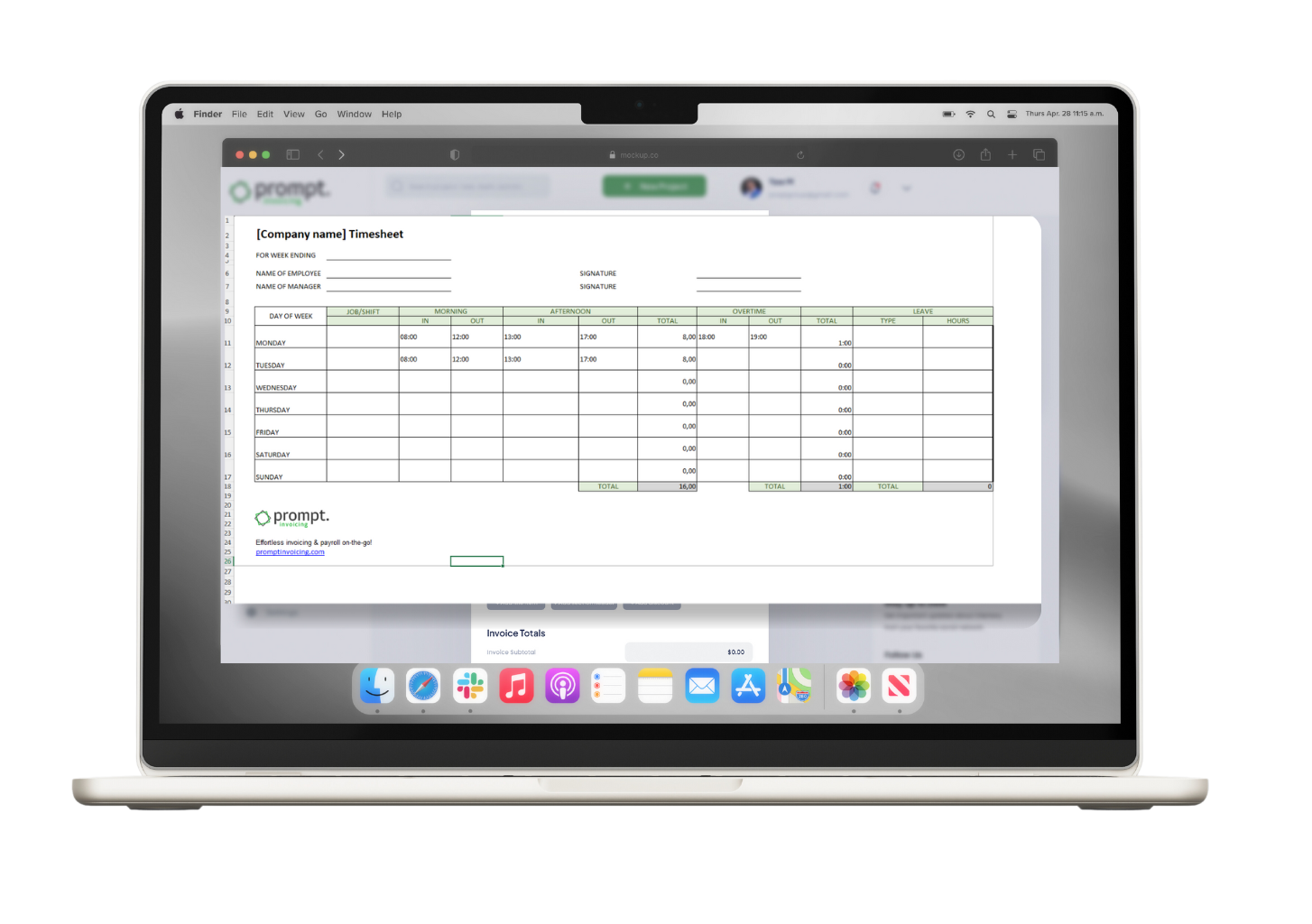
Track productivity and keep on top of your business with our free timesheet template for Excel. Download now and start tracking time for free! We’ve designed the free template to be user-friendly and intuitive, while covering everything you need in order to track time.
No need to tinker with this spreadsheet or manually calculate hours. You can just download and get going! With our timesheet template there are no calculation errors, we ensure accuracy and give you peace of mind.
What is a Timesheet Template?
Budget templates allow businesses and private individuals to plan their financial situation, by systematically recording income, expenses and profits. Essentially, it’s a spreadsheet designed to empower users with the ability to organise their finances effectively, facilitating informed decision-making regarding spending habits and financial goals.

How to Use the The Timesheet Template
- Download the template.
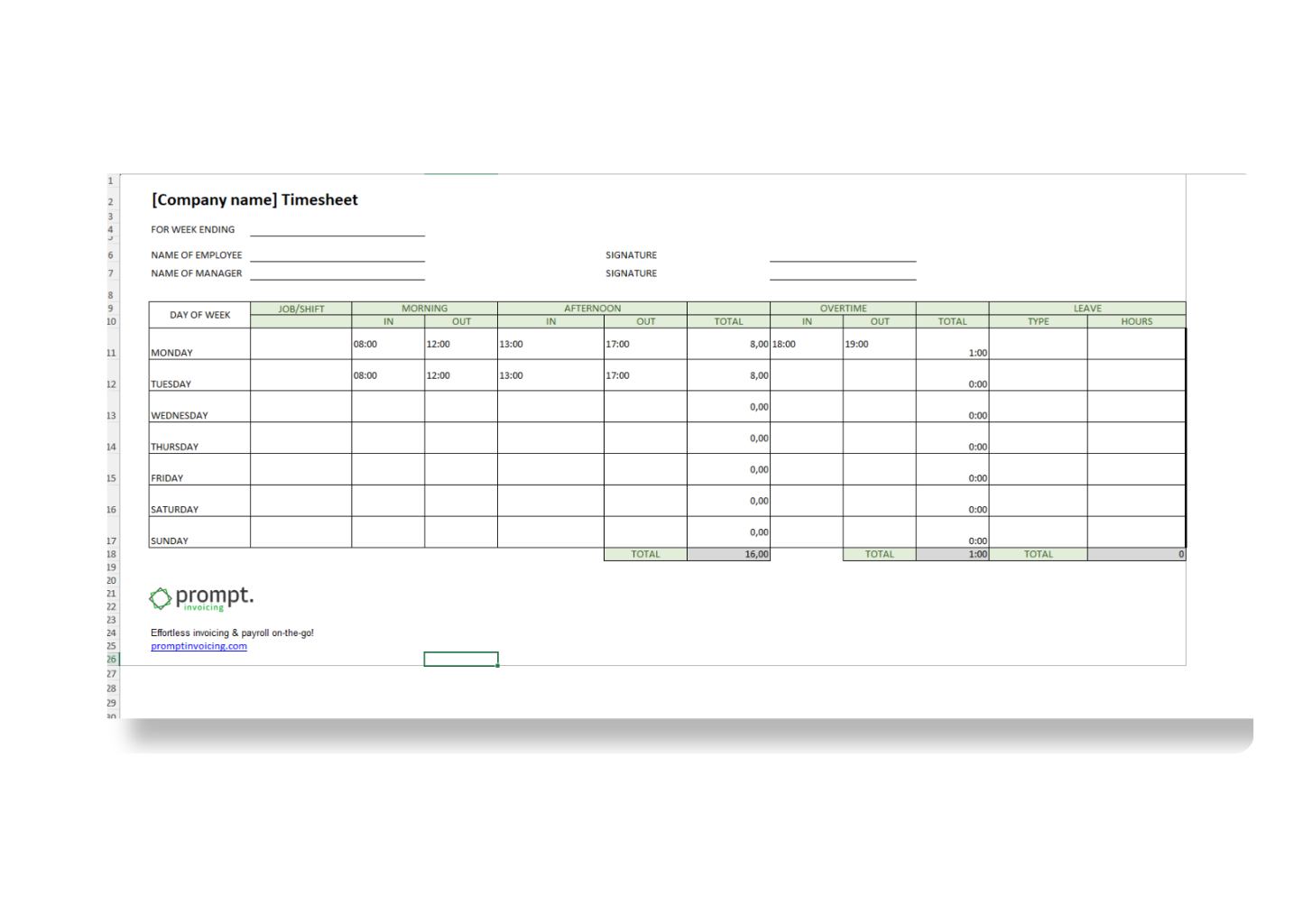
- Add the week ending date to specify which week it is for.
- Add the name of the employee and the manager, they will both sign the timesheet.
- Add the hours worked. In the first column, you can specify the project, the job they were doing, the shift type or anything else you need to add in order to differentiate the work done.
- Add the time the employee clocked in and clocked out, both for the morning and afternoon.
- If the employee worked overtime during the week, you can add this the time they clocked in and out in the overtime columns.
- Finally, if the employee took any leave, you add the amount of hours to the last column. You can also specify what type of leave it was: sick leave, family leave, vacation or something else.
- At the bottom of the timesheet template you will see the total amount of hours worked, the total amount of overtime and the total amount of leave.
- Both the employee and the manager should sign the timesheet to validate it.